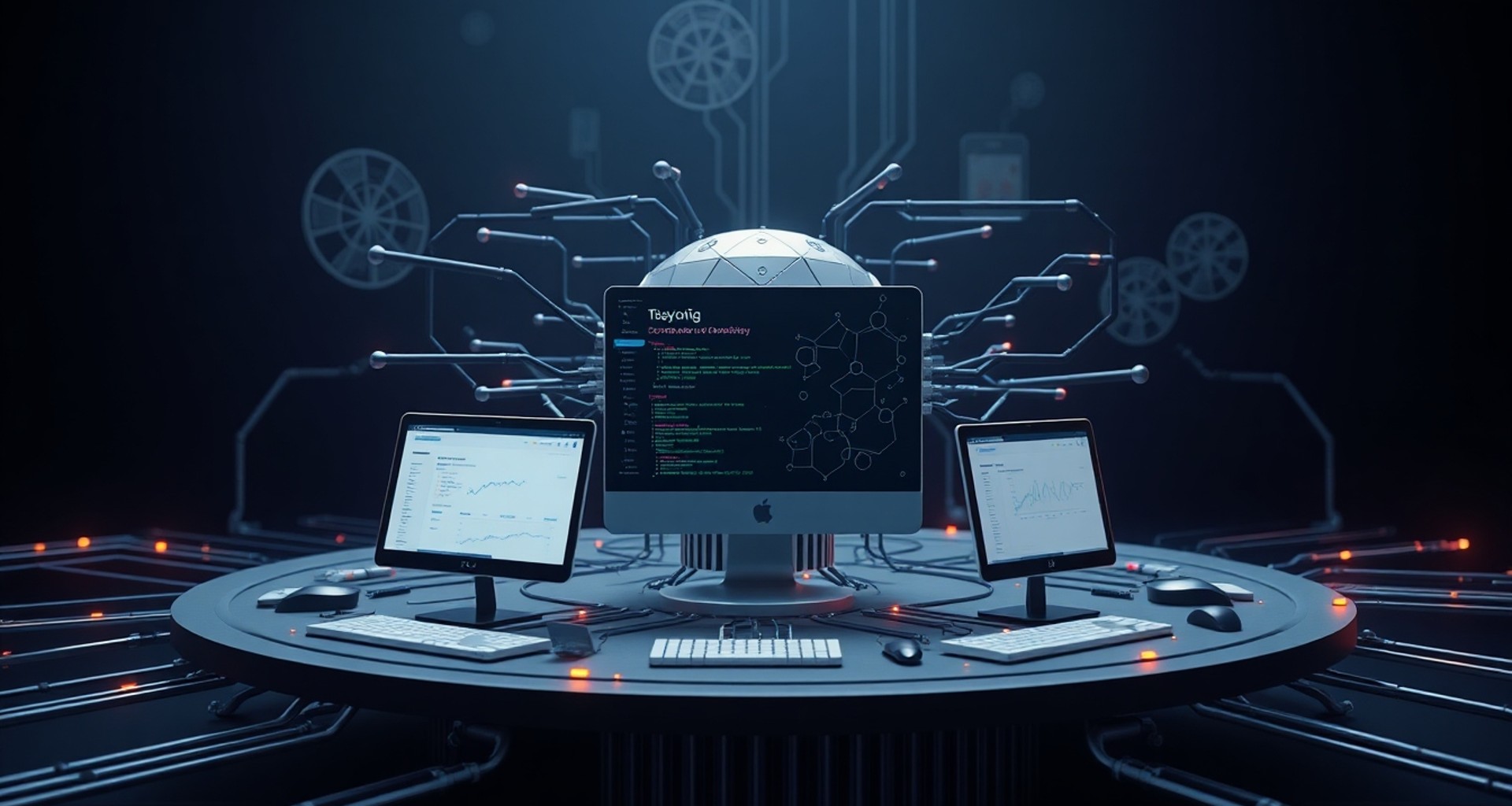
🍪 By 2026, automating websites isn't just about getting scripts to run – it's about creating systems that can handle anything.
Websites today are always changing, with customized experiences, AI-powered bot protection, and constant updates. Playwright scripts that worked fine before now break without warning, fail sometimes, or get blocked completely.
The answer? Combine Playwright with AI.
This article will show you how developers are building automation that can recover from errors and keep running smoothly. They're doing this by adding AI, monitoring, and smart controls to Playwright.
Why You Can't Just Use Playwright Anymore
Playwright is still a really strong tool for automating browsers. It lets you:
* Control real browsers
* Use different browser engines (like Chrome, Firefox, and WebKit)
* Select elements on a page and keep things separate
* Run things fast
But Playwright does what you tell it – no more, no less.
In 2026, this becomes a problem when:
* The website's structure changes
* Selectors change on their own
* The website changes based on what's happening
* Websites use systems to block bots
* The speed of the website and user customization change how it works
AI doesn't get rid of Playwright – it makes up for what Playwright can't do.
The New Way to Automate: From Simple Scripts to Smart Systems
Old Way (Breaks Easily)
Script → Browser → Page → Result
The 2026 Way (Tough)
What You Want To Do
↓
AI Planner
↓
Playwright Executor
↓
Watching What's Happening
↓
AI Figures Things Out & Fixes Problems
↓
Memory & Learning
This changes automation from something that breaks easily into a system that can correct itself.
Key Parts of Automation with Playwright + AI
1. Tell the System What You Want to Do
Instead of giving step-by-step instructions, you tell the system your goals:
* Get pricing info from competitor websites
* Create accounts and check if they work
* Grab data from secure websites
The AI then turns these goals into Playwright actions.
2. The AI Planning
This part:
* Looks at the current website state
* Figures out what actions are possible
* Chooses the best thing to do next
* Adapts when it sees something unexpected
It answers questions automatically such as:
* Is this a login or a bot check?
* Did the website change, or is it broken?
* Should we try again, wait, or do something different?
3. Playwright Does the Work
Playwright still:
* Controls the browser
* Interacts with website elements
* Monitors network traffic
* Takes screenshots and records what's happening
* Keeps things separate
But now, the AI decides what Playwright should do.
4. Watch and Learn
After each action, the system records:
* Website code
* Network activity
* Console logs
* How long things take
* What the website looks like (screenshots)
This info goes back to the AI, so it can make better decisions.
5. Fixing Problems Automatically
When something goes wrong, the AI can:
* Find new ways to select elements
* Try different ways to interact with the website
* Reload the page or start over
* Try a different path
Only when necessary, it asks for help from a real person.
This greatly lowers the amount of time spent trying to fix things.
Being Smart About Bot Protection
In 2026, being tough means acting like a real person, not using tricks.
AI-powered Playwright systems:
* Change how long things take randomly
* Copy how people move around a website
* Vary scrolling, focus, and pauses
* Avoid doing the same thing repeatedly
* Change behavior when it looks risky
Instead of trying to force its way through, the system pays attention to the website's signals.
Watching Closely: The Key to Everything
Automation powered by AI can be risky if you can't see what's going on.
Modern systems should include:
* Complete records of every action
* Logs of the AI's reasoning
* Decision-making steps
* Replayable browser behavior
* How confident the system is in its results
This lets teams:
* Check decisions
* Fix failures
* Make the AI better over time
* Stay compliant and trustworthy
Making Playwright + AI Work on a Large Scale
When you're doing a lot of automation, the system's design is important.
Best Practices:
* Run tasks without keeping track of anything
* Store memory and learning in one place
* Use task queues to manage workload
* Use different AI agents for different tasks
* Control costs and usage
This allows you to run many automations at once without problems.
How It's Used in 2026
1. Getting Data That Lasts
AI agents notice when websites change and adapt how they get data.
2. Testing on Its Own
AI agents explore applications intelligently instead of following set test paths.
3. Doing Business Tasks with Thinking
AI agents handle invoices, dashboards, and portals that get updated every month.
4. Automating Securely
AI agents deal with multi-factor authentication, device verification, and conditional authentication.
**Risks and How to Deal With Them**
AI-powered automation brings risks:
* Too much trust in automated decision
* Wrong actions
* Failures that go unnoticed
* Misuse of the system
Solutions:
* Careful permissions
* Spending limits
* Human checks
* Simple backup modes
Being tough means knowing when to hold back.
The Big Advantage
Teams using Playwright + AI are reporting:
* 70–90% less maintenance
* Faster reaction to website changes
* More success on protected websites
* Smaller codebases
* Better scaling
This is a big step forward.
In 2026, tough automation is about building systems that can think, watch, and adapt.
Playwright is the base.
AI is the brain.
Together, they are the future of automation.
Building Tough Automation with Playwright and AI in 2026: A Guide
Published: 19-01-2026
AI Agents & Workflows
Playwright & Browser Automation
Reliability & Scaling
By 2026, automating websites isn't just about getting scripts to run – it's about creating systems that can handle anything. Websites today are always changing, with customized experiences, AI-powered bot protection, and constant updates. P...